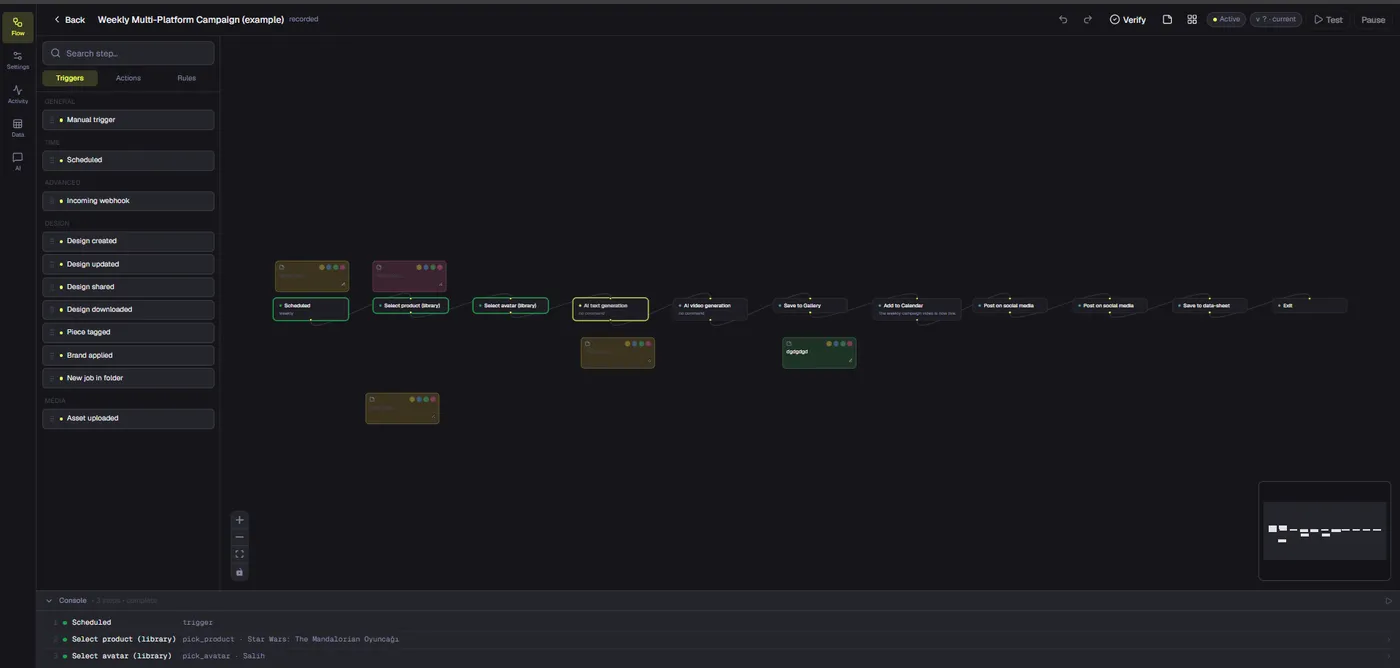
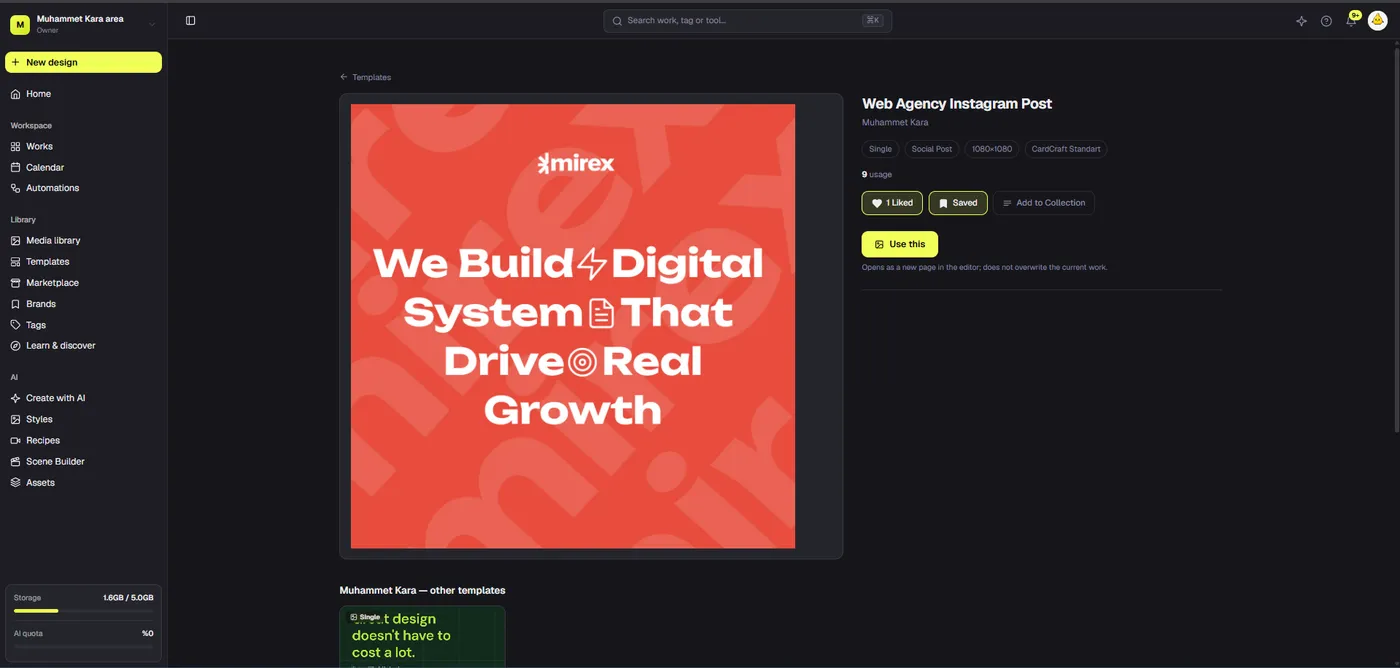
A useful AI product demo video does more than show a product on screen. It gives a potential buyer a clear before-and-after: the problem, the action that solves it, and evidence that the result is real. AI can help create a missing shot, prepare a visual concept, or accelerate editing, but it cannot decide which claim a customer should trust. That is still a product and editorial decision.
This guide explains how to make product demo videos with AI without turning the result into a vague, synthetic advertisement. We will start with a brief and proof points, choose between real footage and generated material, assemble the sequence, check audio and captions, then export versions for different placements. Dika brings these stages into a project-based creative workflow. Its browser editor supports a multi-track timeline; its AI tools can generate short clips through supported providers. Dika Studio is rolling out in groups, so access to particular Studio surfaces may depend on your workspace.
Decide what the demo must prove
The first question is not which model to use. Ask what a viewer should understand after watching. For a physical product, that might be size, handling, setup, or the difference between two finishes. For software, it might be how a user completes one task. For a service, it might be the visible output of a process rather than a promise about future results. Write one sentence that names the viewer, the task, and the evidence. For example: “A store owner sees how a product photo becomes three usable campaign clips, with the editable result visible before export.”
Keep the proof standard appropriate to the claim. If the point is that a device survives a drop, record the real device and the real drop. A generated image of an intact device cannot establish durability. If the point is to visualize a future concept, generated footage can work, but label it as a concept where viewers might otherwise mistake it for a shipped feature. This distinction protects trust and usually makes the creative direction easier: real footage carries factual claims; generated footage adds context, transitions, or exploratory scenes.
Make a short inventory before production. What real product images or clips do you have? Which parts need a close-up? Do you have permission to use the people, music, product marks, and reference media? Which result can you show, rather than merely describe? A five-minute inventory can prevent an expensive generation cycle that still leaves the main proof missing.
Build a one-page creative brief
Record six inputs: audience, single problem, product action, proof shot, call to action, and format. The format includes destination and duration. A vertical short with sound-off captions has a different composition from a horizontal landing-page demo with narration. Choose a primary format first; do not make one crowded frame and hope every platform crop will preserve the message.
A working brief for a reusable bottle could say: audience, commuters; problem, leakage in a bag; action, locking the lid; proof, real close-up of the closure and bag test; call to action, inspect the product page; format, 20-second vertical video. AI might generate a neutral opening scene, but the closure and bag test must be genuine. A software brief would swap in screen capture and a visible task completion. Both briefs define what must remain truthful.
Choose the right source for each shot
Product demo videos with AI often fail because every shot is generated from scratch. Faces change, labels drift, controls appear in impossible places, and the product itself subtly changes shape. Use a shot matrix instead. For each shot, note whether it should be filmed, screen-recorded, animated from a real image, or generated as a conceptual visual. Keep the choice tied to the information the shot has to communicate.
| Shot type | Best source | Review question |
|---|---|---|
| Product detail or interface action | Real footage or screen capture | Does it show the actual product and behavior? |
| Atmosphere or transition | Filmed, licensed, or AI-generated concept | Could someone mistake it for evidence? |
| Explainer diagram | Editable design or motion graphic | Are labels and numbers accurate? |
| Spoken demonstration | Approved human recording or clearly disclosed synthetic presenter | Are identity and testimonial claims honest? |
| Outcome proof | Real result, with context | Can a reviewer verify the claim? |
The point of this matrix is not to ban generation. It is to spend generation where it helps. AI works well for exploring visual direction, suggesting a composition, or creating a short illustrative clip. It is weaker as sole proof of a physical property or a software feature. When a scene includes words on packaging or an interface, inspect every frame for spelling and consistency. Replace unreliable generated text with an editable overlay in the timeline rather than hoping another prompt will fix it.
Write a script that demonstrates instead of announcing
A short product demo needs a narrative, not a list of adjectives. Open with the task or friction the viewer recognizes. Show the relevant action. Then show its result. A useful structure is problem, action, proof, next step. In a 20-second clip, those stages may take only a few seconds each. In a two-minute tutorial, give the action enough time to be legible without stretching the introduction.
Read the script aloud while viewing the intended footage. If the voice says “click export” before the pointer reaches the button, the edit will feel unreliable. If the script says “instant” but the real process takes a minute, choose a truthful phrase such as “the export runs in the browser” and show a time-compressed sequence honestly. Avoid claims like “effortless,” “best,” or “guaranteed” unless you can define and substantiate them. Concrete verbs make stronger demos: select, place, trim, review, export.
For a software example, try: “Start with a campaign brief. Build a scene around the product reference. Review the generated clip. Place it on the timeline, trim the opening, correct captions, and export the version your channel needs.” Each sentence names an observable step. The script can be shortened for an ad or expanded for a walkthrough without changing the core promise.
Generate only the material the demo actually needs
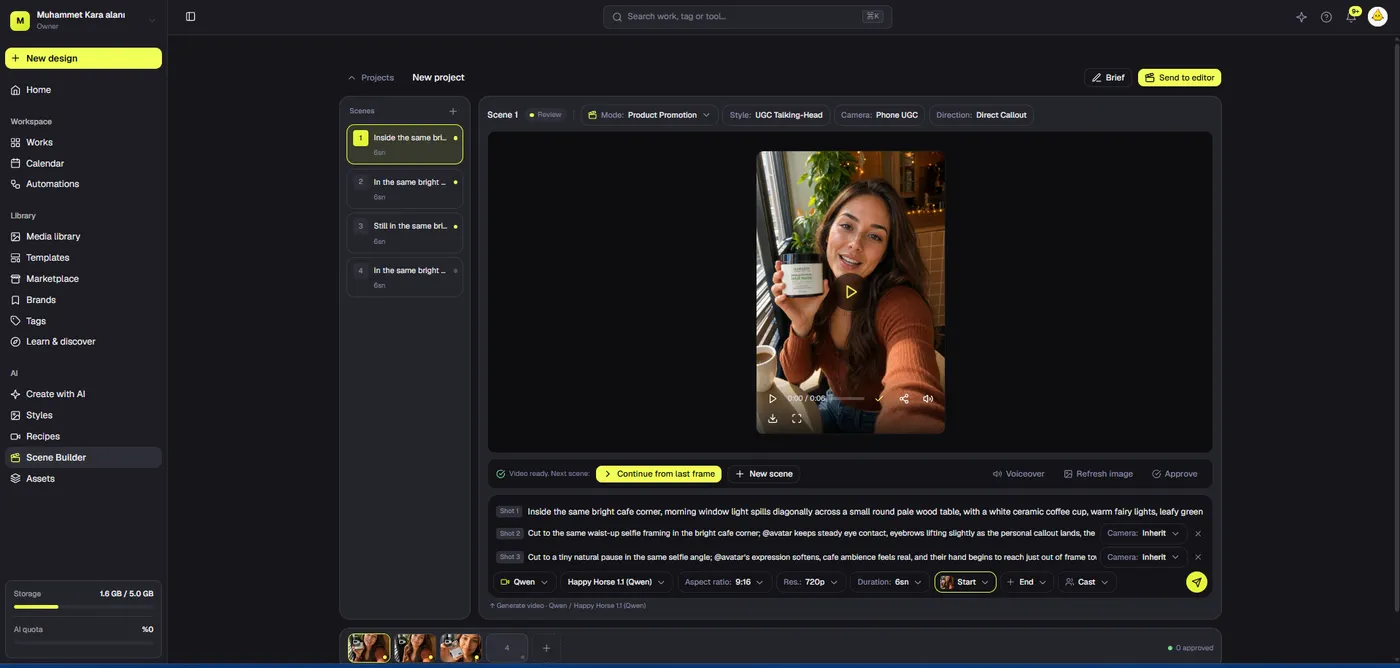
If a brief calls for a generated shot, define its job before opening an AI tool. A useful prompt includes the subject, setting, camera behavior, duration, framing, and what must not change. For a product reveal, identify the real product reference and specify whether the label must remain readable. If the model cannot preserve it, avoid a close-up of the label. Use the generated shot for mood or movement and cut to real footage when exact detail matters.
Dika’s AI Studio video mode creates short clips from prompts through supported connected providers. Optional start or end frames can help guide a camera move or reveal when the selected provider supports them. Provider capability, price, and result quality vary. Marketing Studio offers guided promotional modes and recipes, including Product Promotion, and can pass product or avatar references into generation. Treat every output as a candidate clip, not as an approved claim. Review the first and last frame, transitions, hands, packaging, spoken content, and any visible text before it enters a final edit.
Keep a simple generation log: prompt, reference source, provider, intended use, reviewer, and decision. This prevents teams from losing track of why a clip was made or accidentally using an old variation after the product changed. A rejected clip can still teach you that the brief lacks a stable product reference. Do not solve an unclear product claim by making the prompt longer; return to the brief and decide what real evidence is missing.
Keep people and testimonials truthful
A synthetic presenter is not a customer. Do not use an AI avatar to imply an actual testimonial, endorsement, or experience that never happened. If a person appears, verify usage rights for their likeness and voice. If a generated presenter narrates a fictional scenario, write the copy as an explanation rather than a first-person claim such as “I used this for six months.” Review local advertising rules and platform policies before a campaign goes live; disclosure expectations can vary by market and channel.
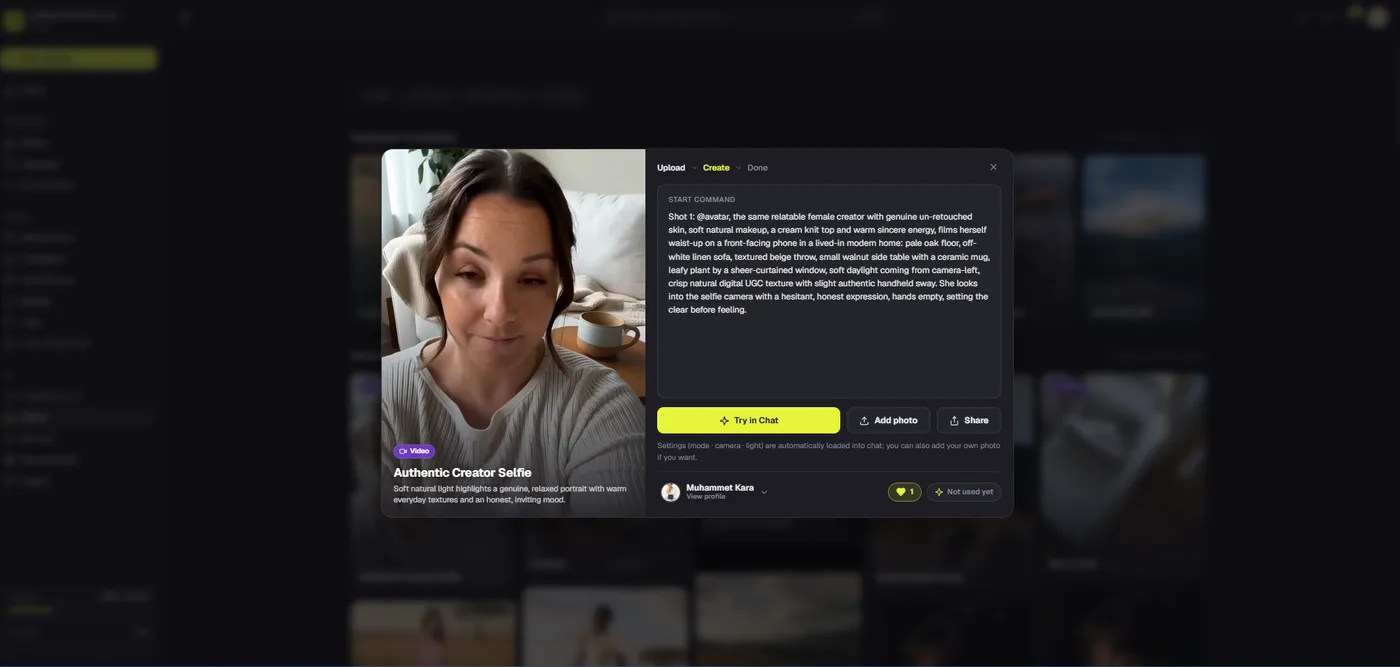
AI UGC-style clips can be useful for a creator-like format, but their commercial value depends on clarity and credibility, not on tricking viewers into believing they are spontaneous customer posts. For product demonstration, a candid recording of a real action often earns more trust than a flawless synthetic shot. Use AI when it improves framing, speed, or variation while keeping the factual center intact.
Assemble the demo on a timeline
A generated clip, a screen recording, and a voiceover rarely arrive with matching rhythm. Put them on separate tracks. Start with the strongest proof shot, then build the sequence around it. Trim dead time before the action; leave enough time after the action for viewers to understand the result. Use graphics only when they clarify something the footage cannot show, such as a step name, a measurement, or a comparison.
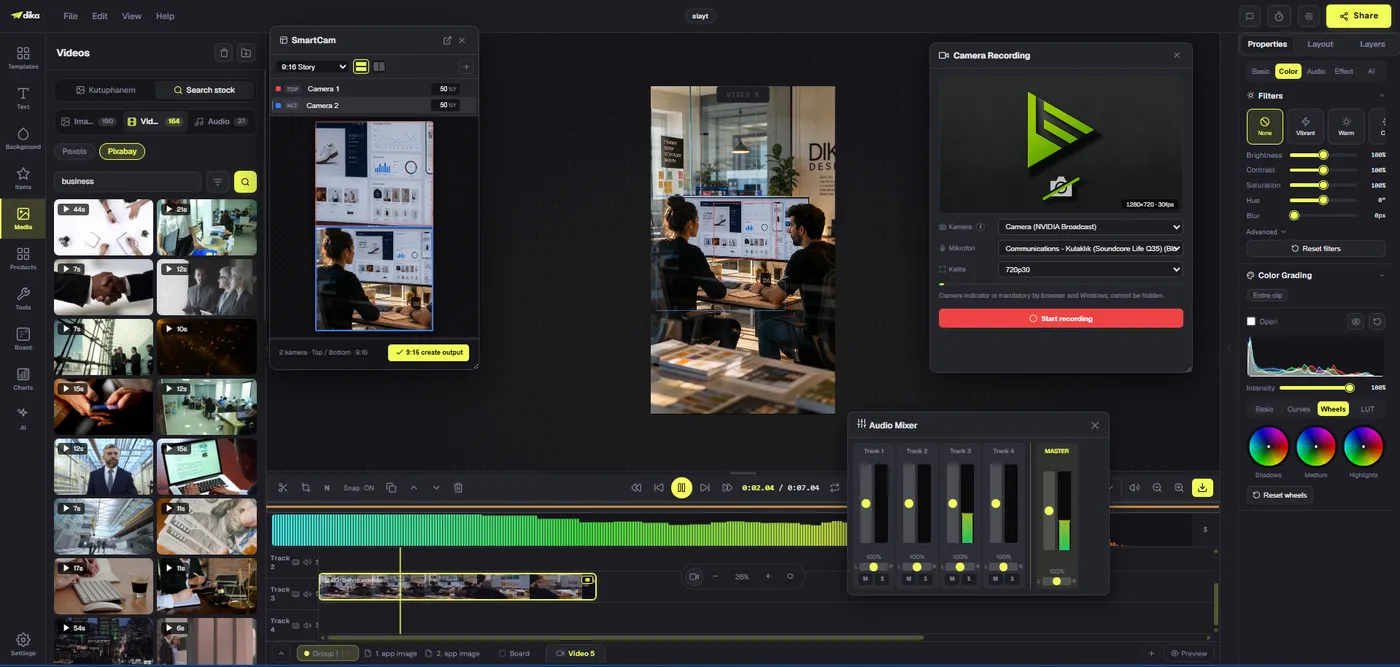
Dika’s browser video editor provides video, audio, and subtitle tracks, clip trimming and splitting, overlays, transitions, and an export flow. A practical rough cut can be built in four passes. First, arrange the visual story with no polish. Second, align narration with each action. Third, add captions and a small number of on-screen labels. Fourth, balance sound and check the export. This order prevents a common waste: spending time styling a scene that should have been cut.
For example, a screen-recorded app demo might contain a five-second setup clip, a ten-second task clip, and a four-second result clip. If the task takes longer, do not hide necessary steps with an unexplained jump. Use a clear cut or speed-up cue. A physical-product demo might instead open with the product in use, show a close-up of the mechanism, and finish with the observed result. The timeline lets those shots keep their own source and timing while titles remain editable.
Use one visual hierarchy. Product or interface first; caption second; brand signature third. Large animated headlines over small interface controls make a demo harder to understand. Keep labels high-contrast, place them away from important product detail, and check safe areas for vertical platforms. If a scene needs three simultaneous callouts, split it into two scenes.
Make audio and captions part of the edit
Many viewers encounter short videos with the sound off. Captions therefore need editorial review, not merely automatic generation. Check product names, prices, abbreviations, and numbers by hand. Break long speech into readable cues. Make sure captions do not cover the action they explain. If the video will be translated, give translators an accurate source transcript before they work on timing or voiceover.
Dika can place automatically generated subtitles on a subtitle track using on-device transcription in its video editor. The model is downloaded to the browser, then transcription runs on the device. That is useful for speed, but it does not remove the need to correct names and technical vocabulary. An existing SRT or VTT file can also be brought into the workflow. Decide whether captions should be burned into the delivered frame or exported separately for the destination; different channels handle caption files differently.
Sound design should support the proof. Speech must remain understandable over music, and sound effects should correspond to visible actions. Do not use an artificial click or success chime to imply a product completed a step it did not complete. If a generated clip includes audio, review licensing and meaning before mixing it with a human recording. A product demo that sounds confident but shows something else creates doubt.
Export versions with a controlled review loop
Before export, watch the entire video at normal speed on a phone-sized display. Check the first second, the first clear product view, the proof moment, and the closing action. Confirm that no text is clipped and no generated frame has inconsistent packaging or interface details. Compare the final cut against the original one-sentence brief: can a new viewer identify the promised action and its evidence? If not, fix the story before adjusting color or music.
Export one master, then make platform variations from it. A vertical social version may need repositioned overlays rather than a simple crop. A landing-page version may allow longer explanation and more readable interface footage. Keep version names explicit, such as product-demo-vertical-v2 and product-demo-landscape-v1, so the team does not publish an outdated cut. Dika’s browser editor exports an MP4; verify browser support and output on the devices your audience uses.
After publication, measure the result the demo was built to influence. View count alone is weak evidence. Track the opening retention, the point where viewers leave, clicks on the relevant product page, and qualified actions that follow. If viewers leave before the proof shot, move the proof earlier. If they watch but do not act, check whether the next step is clear and whether the destination page continues the same promise. Use those findings to improve the brief for the next variation.
A practical checklist before a product demo goes live
- One audience and one decision are clear.
- Every factual claim has real, reviewable evidence.
- Generated scenes are not presented as actual product tests.
- Product shape, label, interface, and numbers stay consistent.
- People, voices, music, and references have appropriate rights.
- Captions are accurate and readable on mobile.
- Audio supports rather than competes with the action.
- Vertical and horizontal versions preserve the key proof.
- Final export has been watched outside the editing workspace.
- The next action leads to a relevant destination.
Product demo videos with AI work best when generation is one controlled production step, not the whole strategy. Start with what a buyer needs to see, use real media for factual proof, add AI where it makes a scene clearer or faster to produce, and keep the final sequence editable. Dika’s connected design, generation, and video-editing workflow gives the team a place to make those decisions together. Explore Dika Studio’s visual production workspace for the broader product direction, or return to the Dika Design home page for our approach to digital products and campaigns.
For a focused look at editing tools, read our AI video editor guide. It explains how generation and timeline editing solve different parts of the same production job.
Frequently asked questions
Can AI create a complete product demo video from one prompt?
A prompt can create a short candidate clip through a supported provider, but a trustworthy demo still needs a brief, real evidence for factual claims, editorial review, captions, and a finished edit.
When should a product demo use real footage?
Use real footage or screen capture whenever the shot must prove product behavior, size, durability, interface steps, or a specific result. Generated visuals are better for clearly illustrative scenes and transitions.
What should a product demo script include?
Name the viewer’s problem, show the product action, present visible proof, and end with one relevant next step. Keep each spoken line aligned with the action viewers can see.
Can Dika Studio use product references for AI video?
Dika’s Marketing Studio can attach saved product or avatar references when preparing supported promotional video generation. Review every result because provider output can still drift from the reference.
Is Dika Studio available to everyone?
Dika Studio is in a staged rollout. Workspace access and enabled surfaces can vary, so plan production around the tools actually available to your team.
How do I keep generated product shots consistent?
Use a stable approved reference, define what must not change, review labels and shape frame by frame, and cut to real footage for exact product details.
Can I edit generated clips after creating them?
Yes. Bring an approved clip into a timeline, trim it, combine it with real footage, add editable overlays and captions, balance audio, and review the final export.
Do automatic captions need manual review?
Yes. Check names, prices, numbers, and timing. Automatic transcription speeds up the first pass but can mishear product language and place text over important visual proof.
What format should I export for a social product demo?
Create a version sized for each placement rather than relying on one crop. MP4 is the current browser-editor delivery format; review the exported file on target devices.
How should I measure whether the demo works?
Track where viewers leave, whether they reach the proof moment, clicks to the product page, and qualified actions after viewing. Improve the brief and cut based on those signals, not view count alone.